![logo.png]](https://support.hrcloud.com/hs-fs/hubfs/logo.png?height=40&name=logo.png)
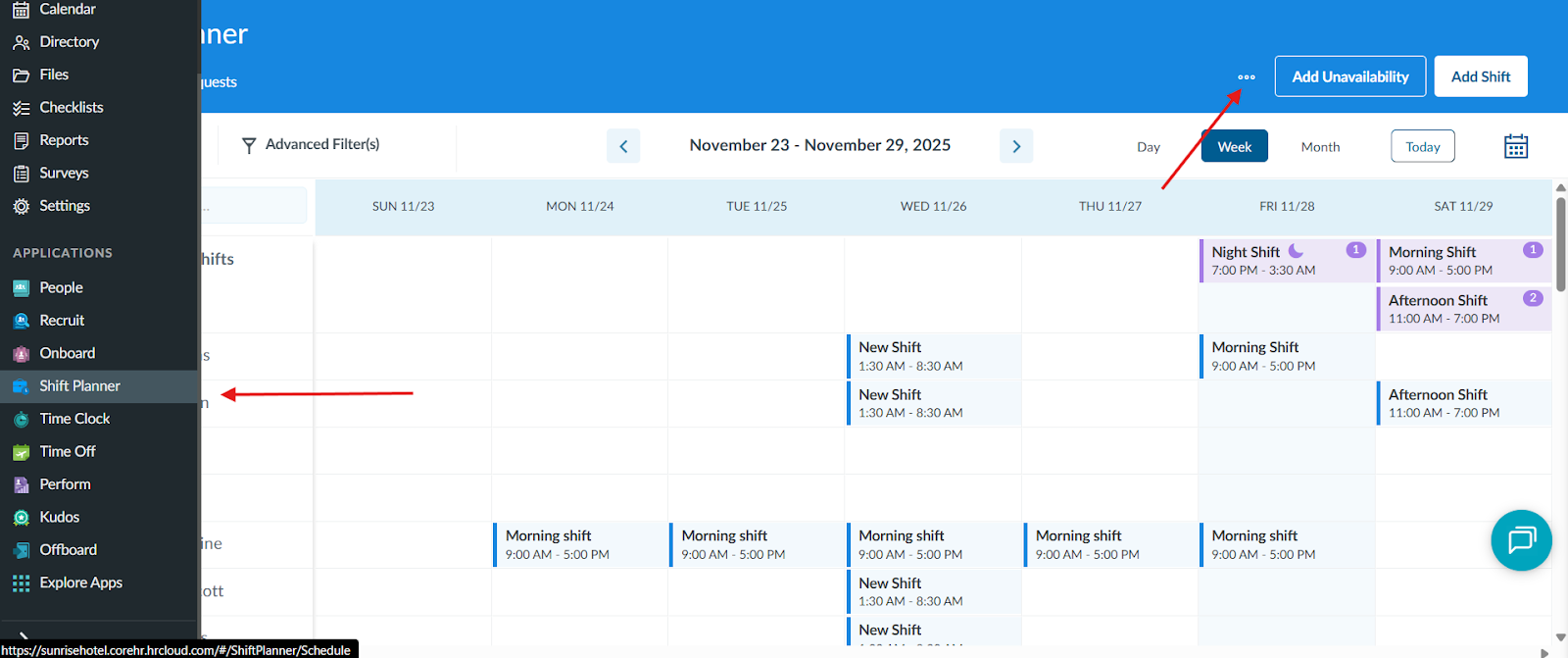
To adjust the shift notifications, click on Shift Planner app and in the top right corner “...” will be displayed.
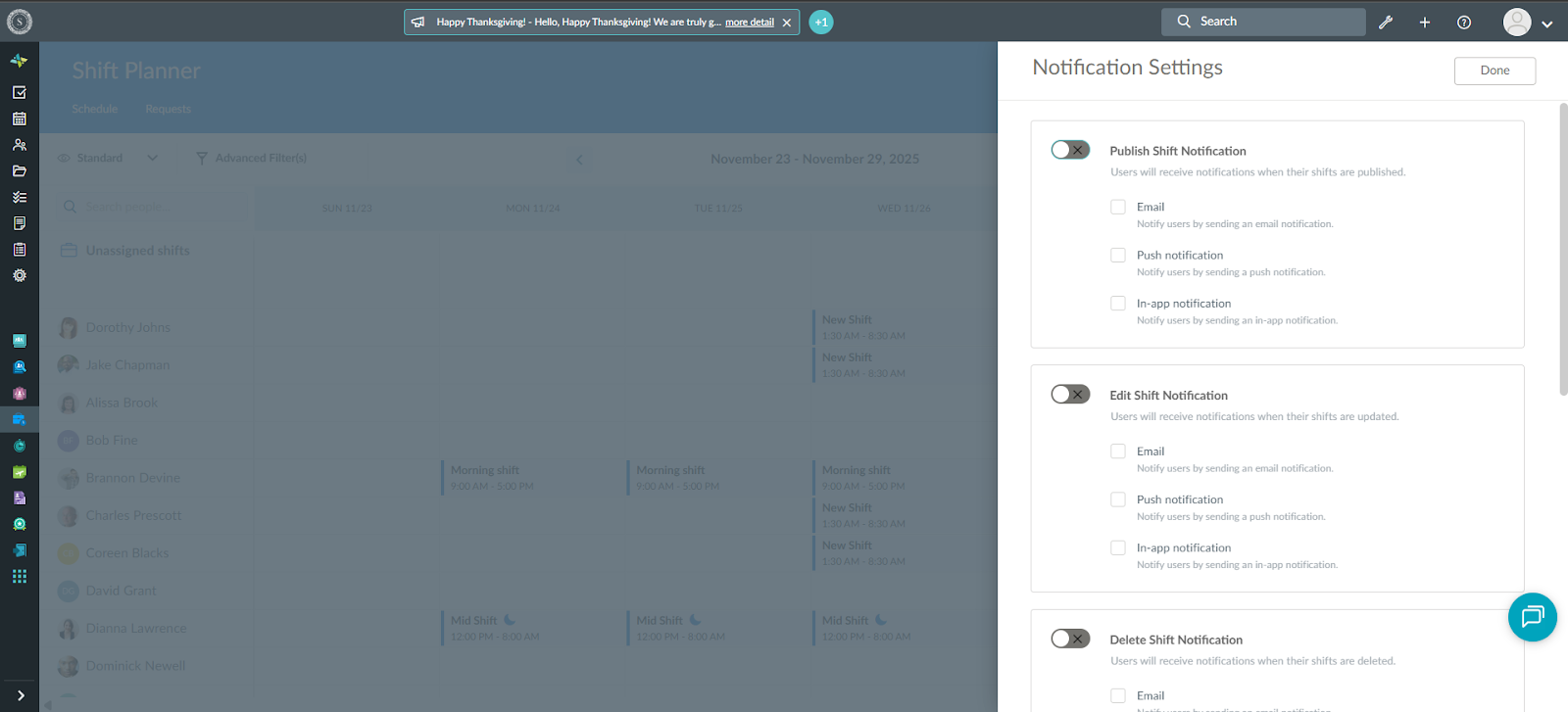
Once you click on it, “Notification Settings” will be available.
Once you enter “Notification Settings” , multiple options will appear and it is up to the user to choose which one they want enabled or disabled.
Users can receive notifications when shifts are : published, updated, deleted, unassigned and unpublished.
There are 3 options for notification to go through : Email, Push and In-App application.