![logo.png]](https://support.hrcloud.com/hs-fs/hubfs/logo.png?height=40&name=logo.png)
Normally, the review’s visibility is set when creating a review cycle (see Creating a Review Cycle for details). However, if you need to adjust visibility after the review has been assigned, follow these steps:
-
Open the Reviews tab in the Perform app.
- Click on the review you want to edit.
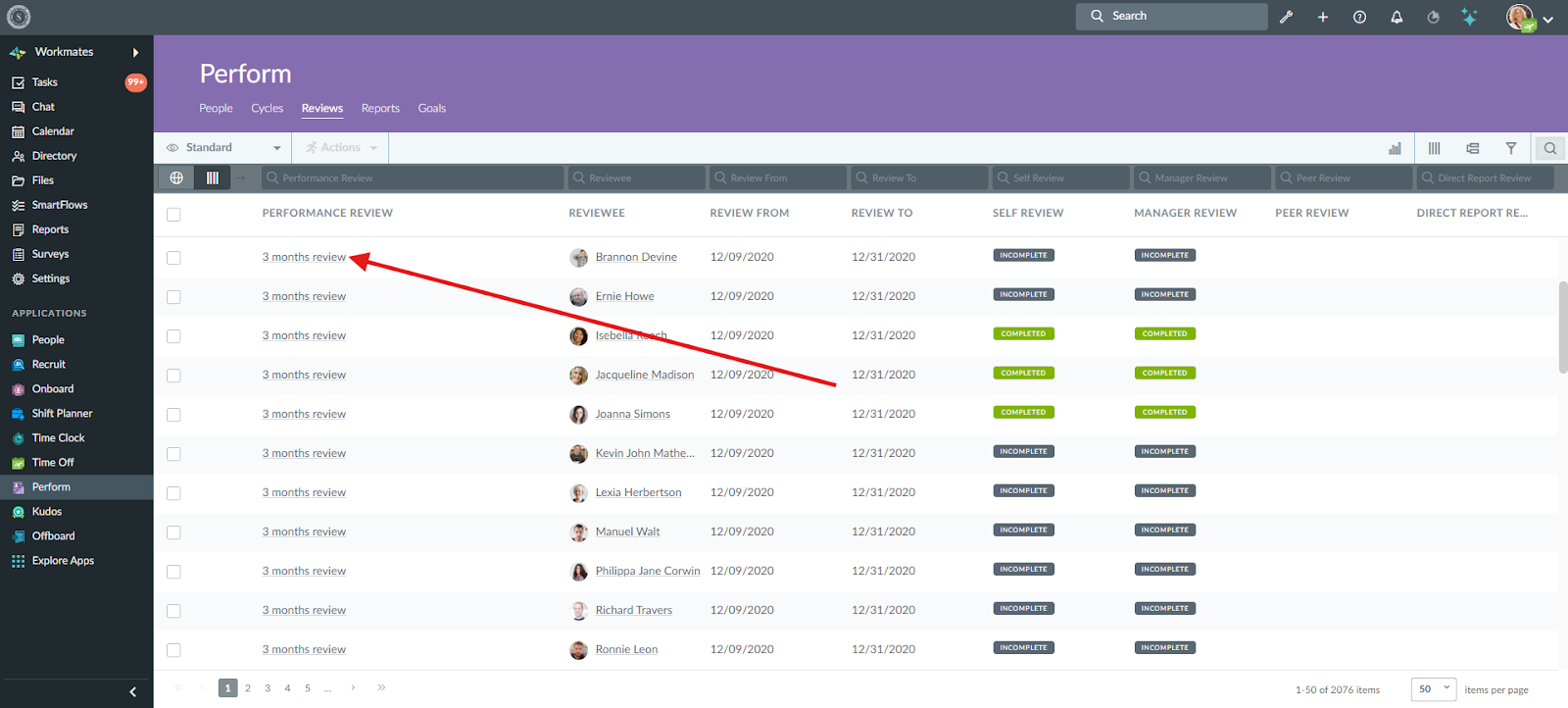
3. Toggle the “Visible to the Reviewee” button:
-
-
Turn it on to make the review visible to the employee.
-
Turn it off to hide the review from the employee.
-
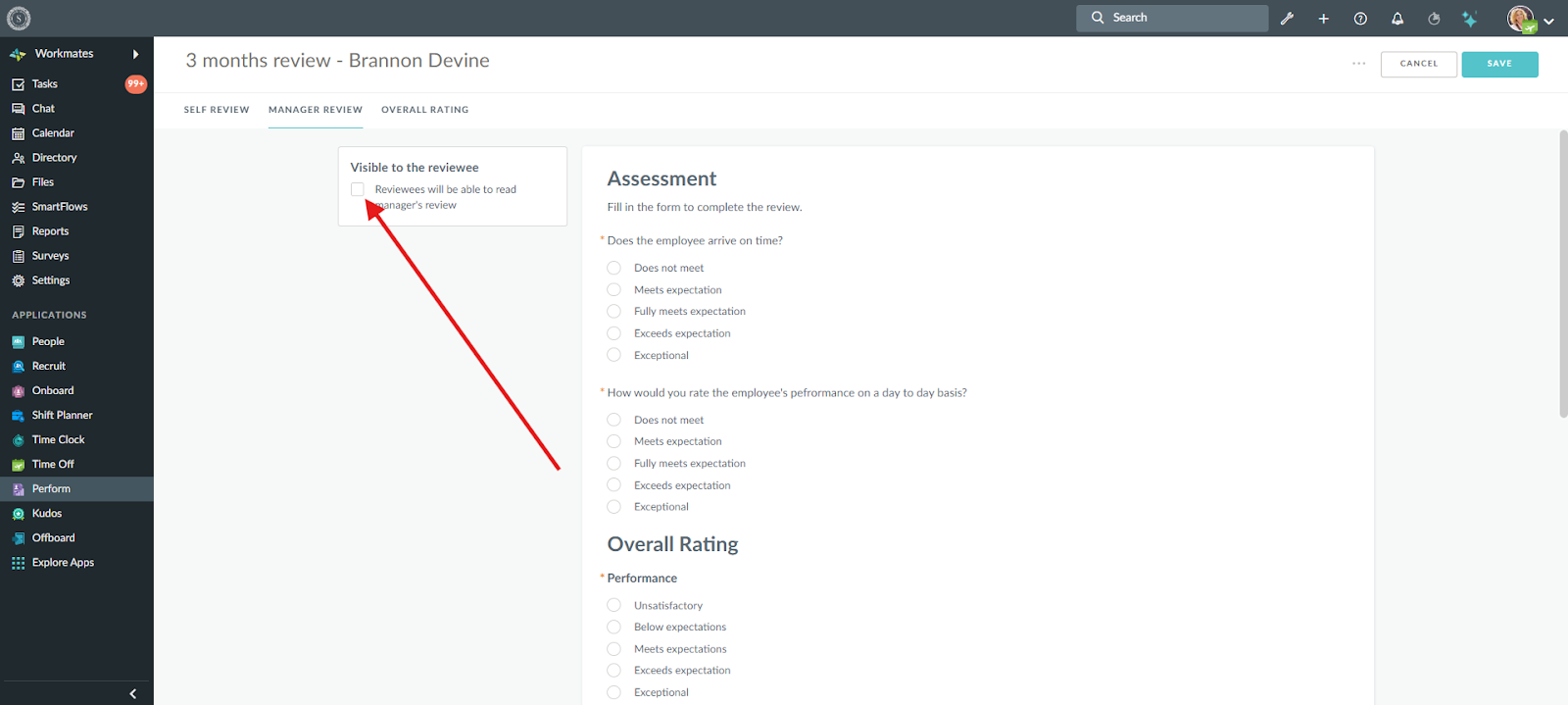
4. Click Save to apply the changes.
Important: Only HR Admins and the employee’s manager can adjust this setting.