![logo.png]](https://support.hrcloud.com/hs-fs/hubfs/logo.png?height=40&name=logo.png)
Creating an Open Shift
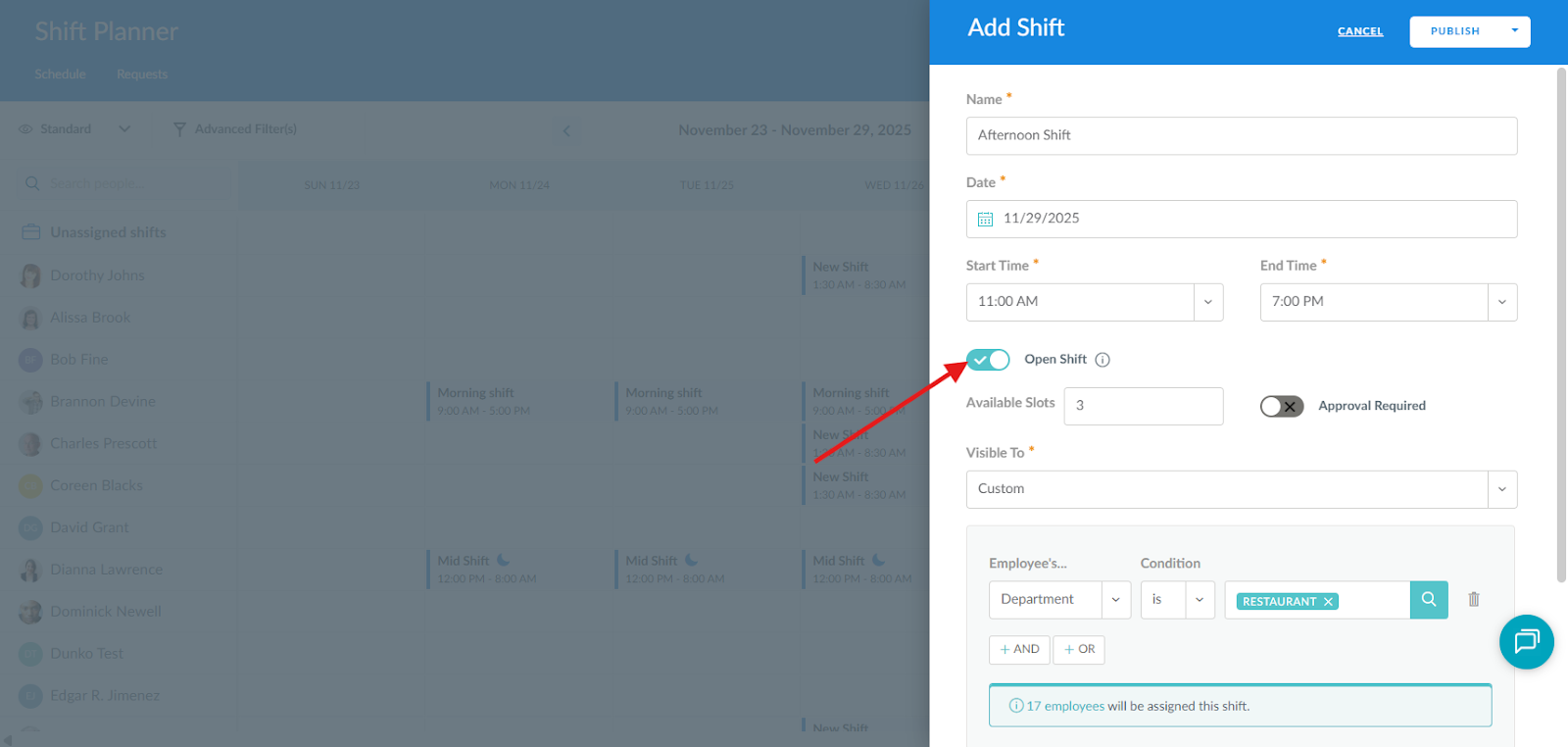
When adding a new shift in the Shift Planner, simply toggle on the Open Shift feature and specify how many slots the shift will have, as well as which employees will be able to claim it. Once saved, the shift will appear in the Unassigned Shifts row in the calendar.
How to Claim an Open Shift
- Open the Shift Planner app.
- In the calendar, navigate to the Unassigned Shifts row.
- Select the available shift you want to claim.
- Click Claim Shift, and the shift will appear in your personal schedule.
Important note - If an approval process is set up for the shift, it will only appear in your schedule once it has been approved